Photo, render or drawing in · STL out
Upload a photo, render or drawing. The AI builds the 3D model, the studio closes it into one solid, and you download an STL sized to 80 mm. Your first model is free.
No photo handy? Open an example
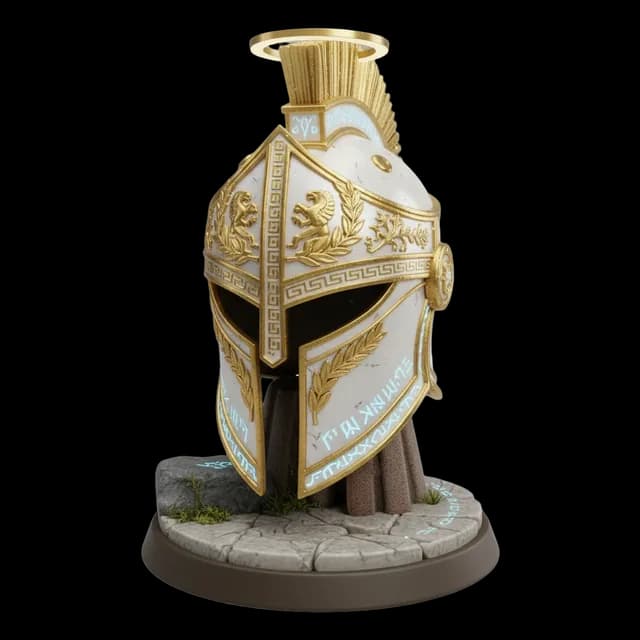
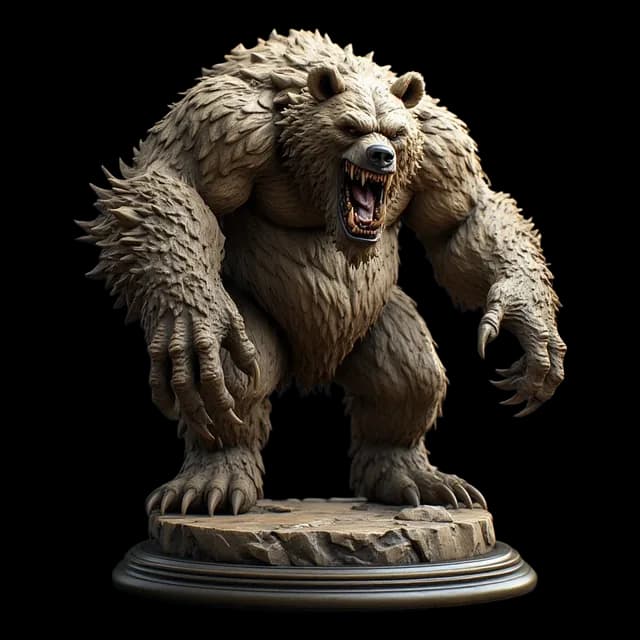
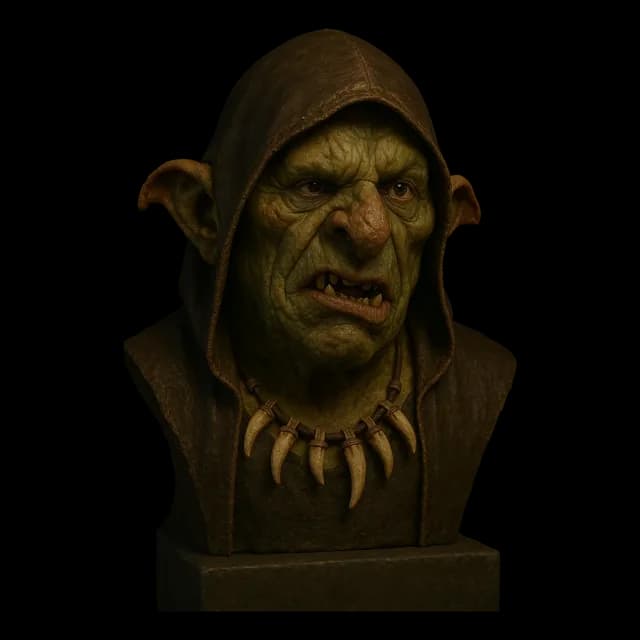
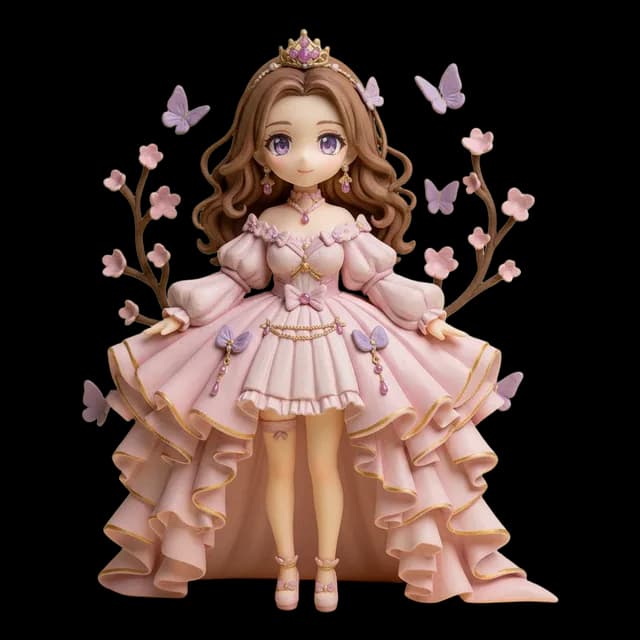
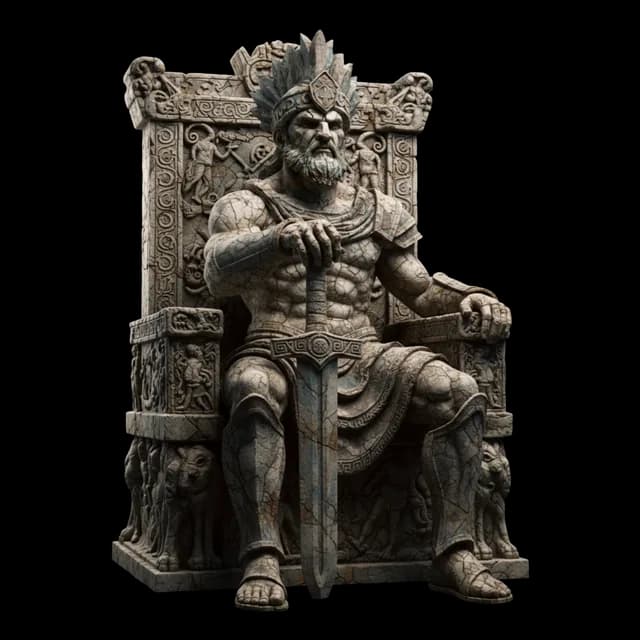
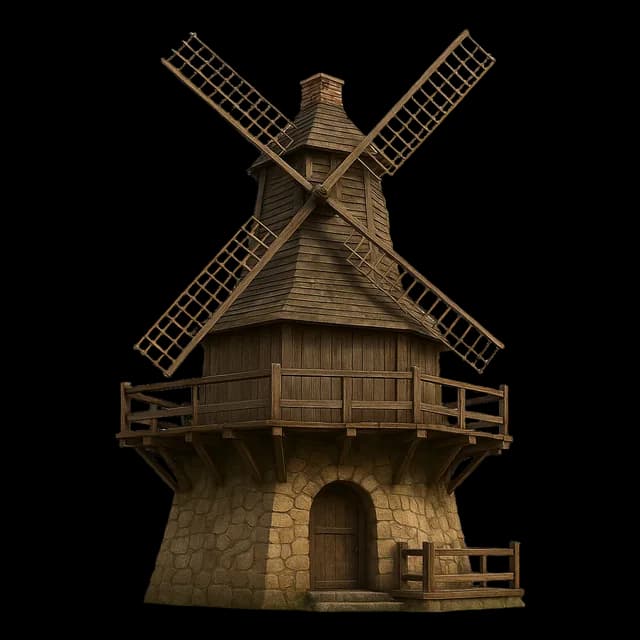
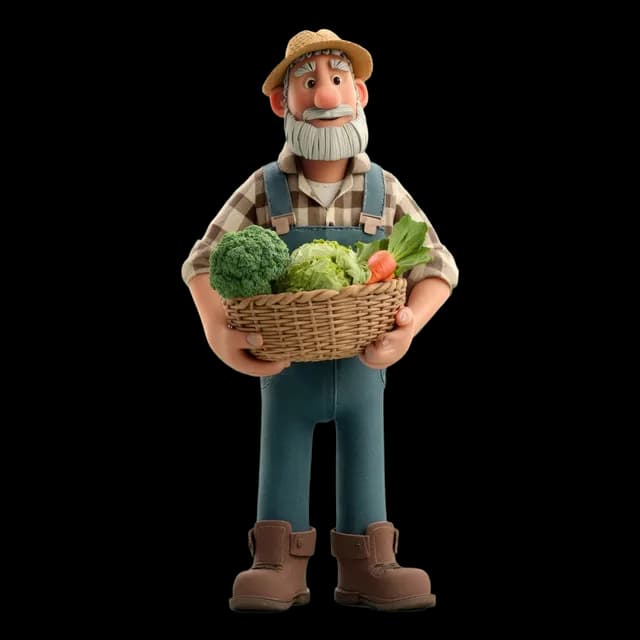
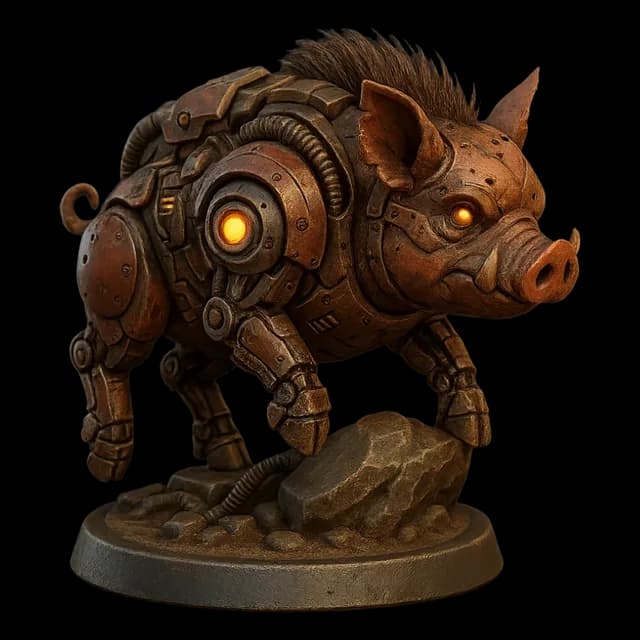
Credits per model
20 / 40 / 80
Draft, Standard and High. Your first Standard model is free.
Longest side
80 mm
Set the print size in your slicer.
Every download
1 solid
Holes closed and loose bits removed.
Formats
4
STL, 3MF and OBJ for the shape, GLB for colour.
How it works
One object, whole and in focus. JPG, PNG or WebP up to 20 MB. No picture yet? Make one from text in Image Studio.
Drop the picture in the box, pick a detail level and press Generate. It takes about half a minute to a few minutes.
Switch the viewer to Shape to see the solid without colour. The wireframe and the build plate grid help you judge thin parts.
Open the Export menu and pick STL, or 3MF if your slicer prefers it.
Picture in, model out
The picture in the corner is all the model got. Drag to look at the back, which the AI filled in from that single view. Switch views to compare the textured model with its bare shape.
Knight helmet on a stand
Drag to rotate
Generated from the example images shown. Colour comes with the GLB; STL, 3MF and OBJ keep the shape only.
What prints well
The AI sculpts a shape from a picture. That suits some objects and not others.
| Object | Fit | Why |
|---|---|---|
| Figurines, busts, mascots | Good | Rounded, sculpted shapes forgive small errors. |
| Vases, planters, bowls | Good | Mostly symmetric, so the hidden side is easy to estimate. |
| Tabletop terrain and props | Good | Rocks, ruins and barrels hide small flaws. |
| Miniatures | Good, on resin | Scale down in the slicer. See the AI miniature maker. |
| Brackets, enclosures, spare parts | No | You cannot set dimensions or tolerances. Use CAD. |
| Text, logos, signs | No | They do not come out as a clean extrusion. |
Guidance from how the 3D step works, not a promise for every picture.
Detail level
The level changes how much surface shape the model keeps and what it costs. The download is the same closed solid either way.
| Level | Credits | Pick it when |
|---|---|---|
| Draft | 20 | You want to see whether a picture works before spending more. |
| Standard | 40, first one free | Most objects. The examples on this page use it. |
| High | 80 | Busts and figures where faces, folds and carving matter. |
| Tripo H3.1 | 72 | You also want a textured colour model. Slower, and never the free first model. |
Pictures
Pick the picture for the printer, not for the screen. A pose that looks great can need a forest of supports.
When it goes wrong
Flat pictures can give flat models. On one illustrated portrait we tested (November 2026), TRELLIS.2 returned a thin slab, the same on both faces. A picture that shows depth, such as a render or a photo from a slight angle, gives the AI more to work with.
If a model looks wrong, you have three things to try. Run it again, since each run starts from a new random seed unless you set one under Advanced options. Pick a different picture of the same object. Or switch to Tripo H3.1, which gave a full head and shoulders on that same portrait.
The back of the object is guessed from the front, so a detail you need on the back is best shown in the picture. A generation that fails returns its credits automatically.
After download
The STL opens in Bambu Studio, PrusaSlicer, OrcaSlicer or Cura as one solid, because holes are closed and loose bits removed before you download. You do not need a repair step first.
Want the numbers before you slice? Open the file in the free STL viewer for its size, volume, a filament weight estimate and a section view.
Free or not
Yes, for your first model. Sign in, upload a picture and generate at Standard detail, then download STL, 3MF, OBJ or GLB. No card is needed. Later models use credits from a plan or a credit pack.
Starting from words instead of a picture? Image Studio draws the picture from a prompt for 5 credits each, and Make 3D model sends it here. The free first model still covers the 3D step.
Choosing a tool
Any AI STL generator can show a nice render. These are the things that decide whether the file prints.
Open meshes make slicers complain or skip parts. Here every download is closed into one solid.
A file with no sensible size has to be guessed in the slicer. Ours arrives at 80 mm on the longest side.
STL works everywhere. 3MF is smaller and keeps units. GLB keeps the colour for viewing.
A generated file has never been printed. You want to test a picture before paying much, which is what Draft and the free first model are for.
Generate or download
Model libraries like Printables and Thingiverse hold a huge number of free files that other people have already printed and tuned. If the thing you want is there, downloading it is quicker and safer.
Generating earns its place when the file does not exist yet: your own character, your dog, a club mascot, a gift with a particular look, or a dozen variations of one idea to choose from.
Free file tools
Size in mm, volume, filament weight and open edges, with a section view. Nothing is uploaded.
The same shape in a smaller file for Bambu Studio, PrusaSlicer and OrcaSlicer.
Type the height in millimetres and download a binary STL that stands upright.
Yes. Upload a picture, generate the model and download the STL. It arrives repaired into one solid, ready for your slicer.
It opens as one closed solid, so slicers read it without errors. Supports, wall thickness and print settings are still up to you, as with any downloaded file.
About half a minute to a few minutes. Tripo H3.1 takes longer than TRELLIS.2.
Yes, through a picture. Make one in Image Studio from your prompt (5 credits each), then press Make 3D model.
Yes, in any mesh editor such as Blender. The free STL viewer and converters on this site also open it in your browser.
Not here. STEP is a CAD format and an AI model is a mesh of triangles. CAD tools can import the mesh, but you get a body you cannot edit like a part you drew.
If the picture you upload is yours, yes. Exported files are royalty free for products, listings and client work.
The credits go back to your balance automatically.
Small figures for tabletop and display.
Start from a prompt.
Start from a drawing.
A bust from a portrait photo.
Open and check an STL in your browser.
The textured model and what it costs.
Credits and plans are on the pricing page. The main tool is on the home page.
Upload a picture and the studio opens with it loaded. Your first model is free at Standard detail.
Open the studio