Drawings, concept art, doodles · first model free
Upload a photo or scan of your drawing. The studio builds a 3D model from it that you can rotate and download as GLB, STL, 3MF or OBJ. Your first model is free.
No photo handy? Open an example
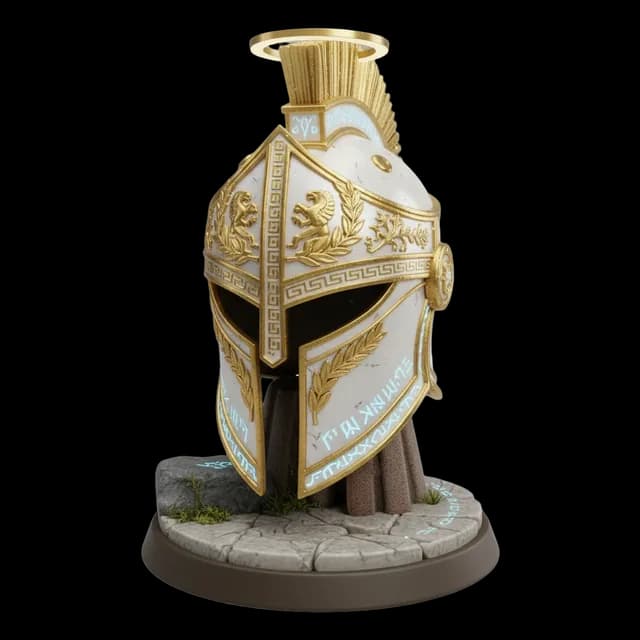
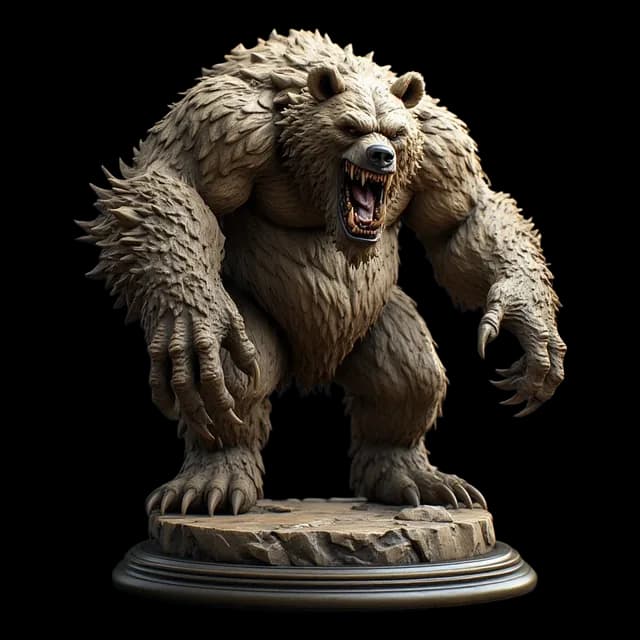
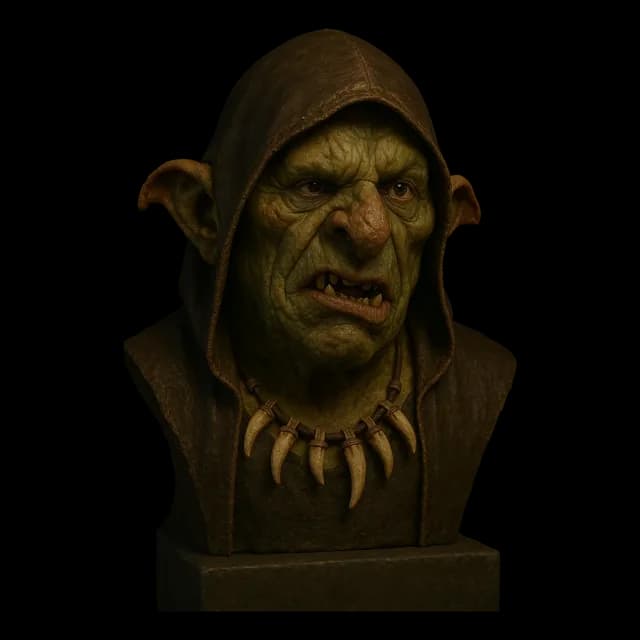
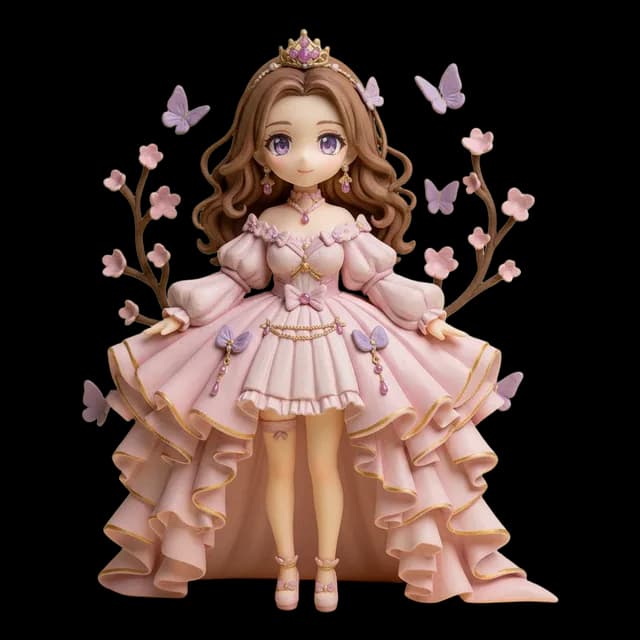
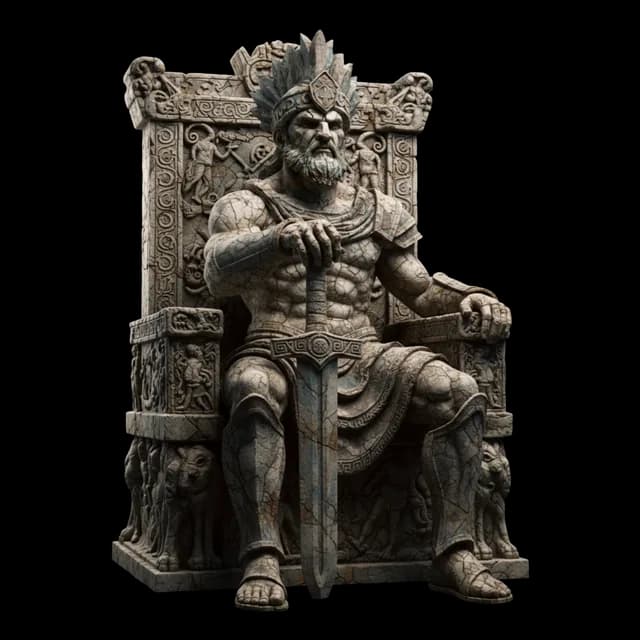
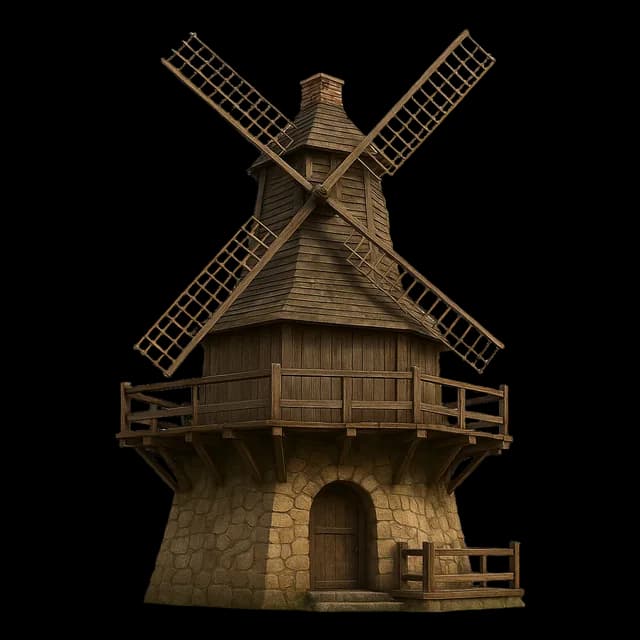
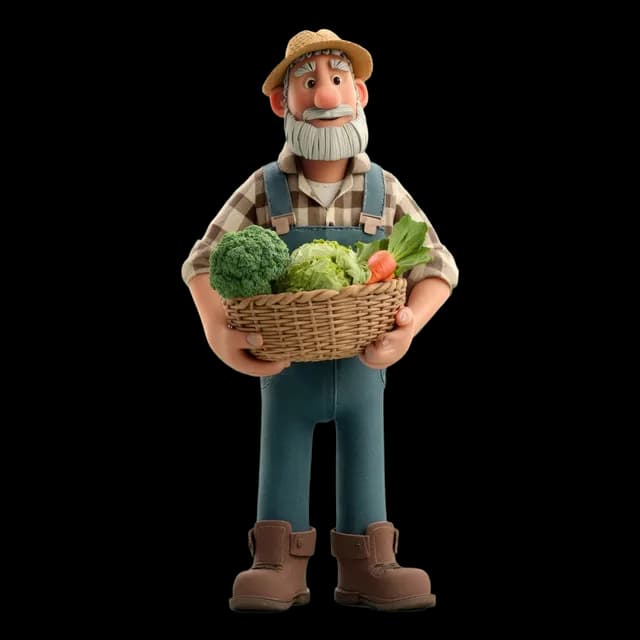
First model
Free
At Standard detail, no card needed.
Per drawing
20 MB
A photo or scan as JPG, PNG or WebP.
Longest side on export
80 mm
STL, 3MF and OBJ, ready to scale in your slicer.
Every download
1 solid
Holes closed and loose bits removed.
How it works
Flat, in good light, with the whole drawing in frame. JPG, PNG or WebP up to 20 MB.
The studio opens with the drawing loaded. Pick TRELLIS.2 or Tripo H3.1 and press Generate.
Rotate the model. The back is the AI’s guess, so look at it before you download.
GLB keeps the colour. STL, 3MF and OBJ carry the shape for printing.
What you get
The 3D step reads light, shadow and colour to work out depth. What each kind of drawing gives it:
| Drawing | What to expect | Do this |
|---|---|---|
| Shaded or coloured concept art | The fullest result | Crop to one subject and upload as is. |
| Clean line art | A thin or soft shape, depth guessed | Render it in Image Studio first (tips below). |
| Rough doodle | A loose take on the idea | Try Draft detail first, 20 credits. |
| Character turnaround sheet | One view is used | Crop the view that shows the most, or use character sheet to 3D. |
| Floor plan or engineering drawing | Not a fit | Use CAD. This makes sculpted shapes, not measured parts. |
| Logo or lettering | Not a clean extrusion | Use a tool that extrudes text or SVG. |
Line art
A shaded drawing tells the AI where the surface turns. Bare outlines do not, so the model often comes out flat at the edges or thin from the side.
The fix costs 5 credits: load the sketch as a reference in Image Studio, ask for a shaded version of the same object, and press Make 3D model on the picture you like. Your design stays; the picture just adds the depth cues.
Either way, the model follows what the drawing looks like, not each line. Expect your idea in 3D, not a measured copy of it.
Before you upload
Detail level
| Level | Credits | Pick it when |
|---|---|---|
| TRELLIS.2 Draft | 20 | A rough doodle, or you want a quick look |
| TRELLIS.2 Standard | 40, first one free | Most drawings and most prints |
| TRELLIS.2 High | 80 | Detailed concept art with faces or small parts |
| Tripo H3.1 | 72 | You want a textured model, or TRELLIS.2 came out flat |
Failed generations refund their credits automatically.
Printing
STL and 3MF downloads are one closed solid, 80 mm on the longest side. Scale it in your slicer: 50% gives a 40 mm figure.
Parts you drew thin, like tails, fingers or sword blades, come out thin too. Draw them thicker or check them in the free STL viewer before you slice. We do not check wall thickness or add supports; the AI STL generator page has the slicer settings.
Fixes
Flat or thin: the drawing had no shading. Make a shaded picture in Image Studio, or rerun with Tripo H3.1. In our test on 2026-11-19, an illustrated portrait gave a thin slab with TRELLIS.2 and a full head and shoulders with Tripo H3.1.
Notes or arrows stuck to the model: they were in the frame. Crop them out and generate again.
Back looks wrong: one drawing shows one side, so the back is a guess. A 3/4 view drawing shows more of it.
Sketch or CAD
Use it to see an idea in the round: a character, a toy, a creature for a game. You get something you can turn, show and print as a rough prototype in minutes.
Anything that has to fit, like a bracket or a part with holes, belongs in CAD. For cleanup, the GLB and OBJ open in Blender.
Yes. Upload the drawing and the studio builds a 3D model from it in a few minutes, ready to rotate and download.
Photograph or scan it flat, upload it on this page, pick a model and press Generate. Shaded drawings work best; line art does better after a shaded picture step in Image Studio.
Your first model is free at Standard detail once you sign in, with no card. Download it in any of the four formats.
Yes, if the lines are dark and the paper is plain. Pencil shading helps more than clean outlines.
Not together. The studio takes one image per model. Use the view that shows the most, usually three quarter.
No. It makes sculpted shapes from how a picture looks, without real dimensions. Floor plans and technical drawings need CAD software.
Yes. Import the GLB for colour or the OBJ for the shape to sculpt or clean it up.
A printable STL from one picture.
No drawing? Start from a prompt.
Start from a PNG or a cut out subject.
Print your drawn character as a mini.
The textured model and what it costs.
Open and check an STL in your browser.
Credits and plans are on the pricing page. The main tool is on the home page.
Upload the sketch and the studio opens with it loaded. Your first model is free at Standard detail.
Open the studio