PNG, JPG and WebP · first model free
Upload a PNG and the studio builds a 3D model from it. Rotate it, then export STL, 3MF or OBJ at 80 mm, or the GLB. Your first model is free.
No photo handy? Open an example
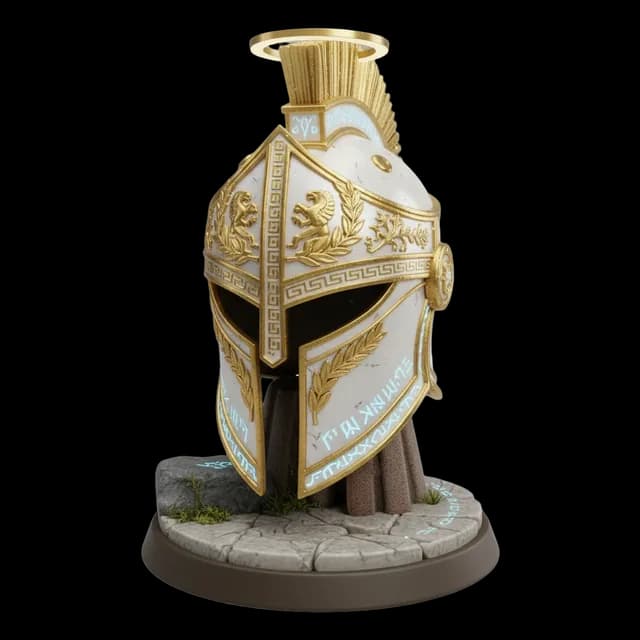
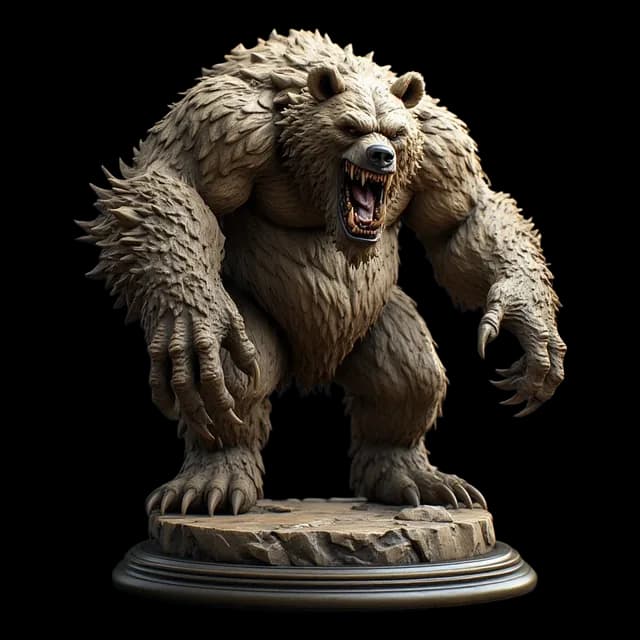
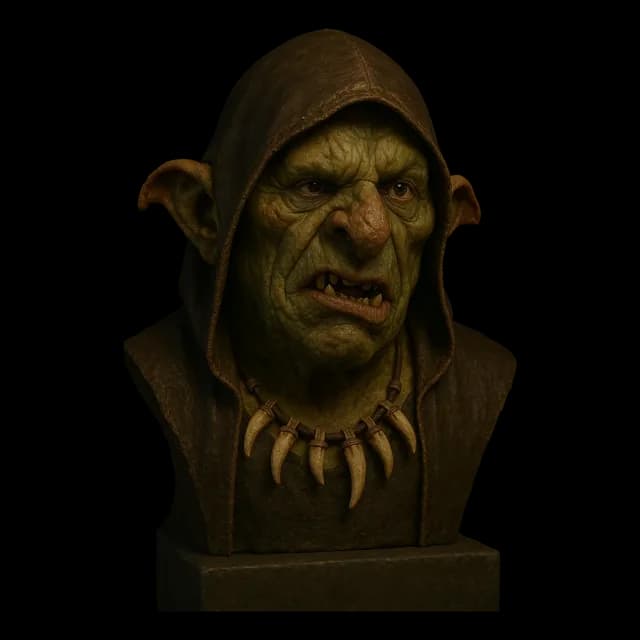
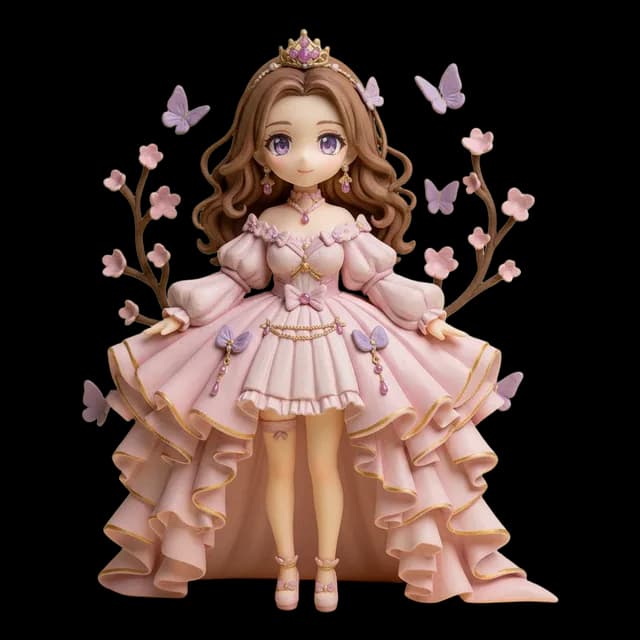
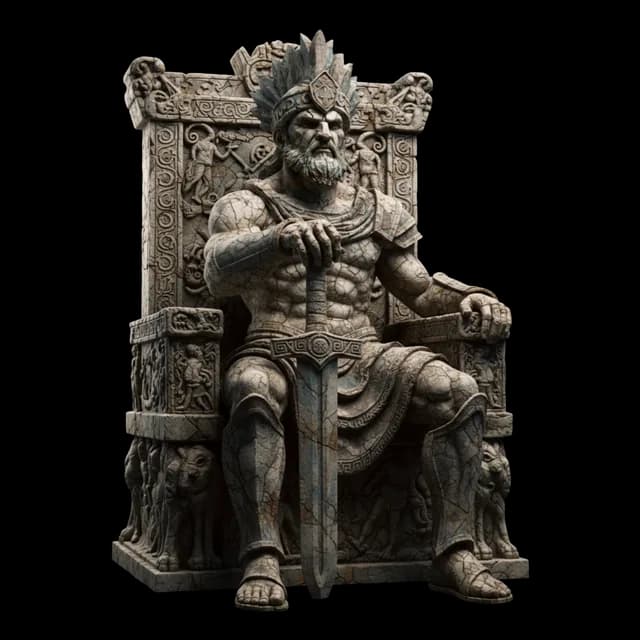
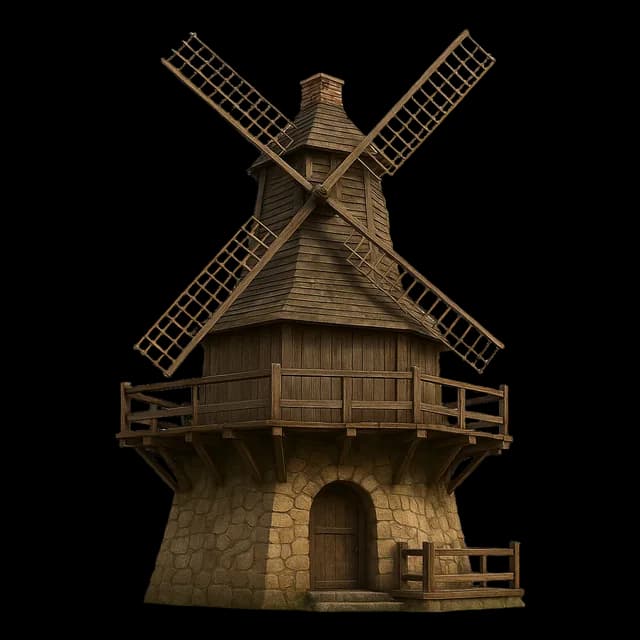
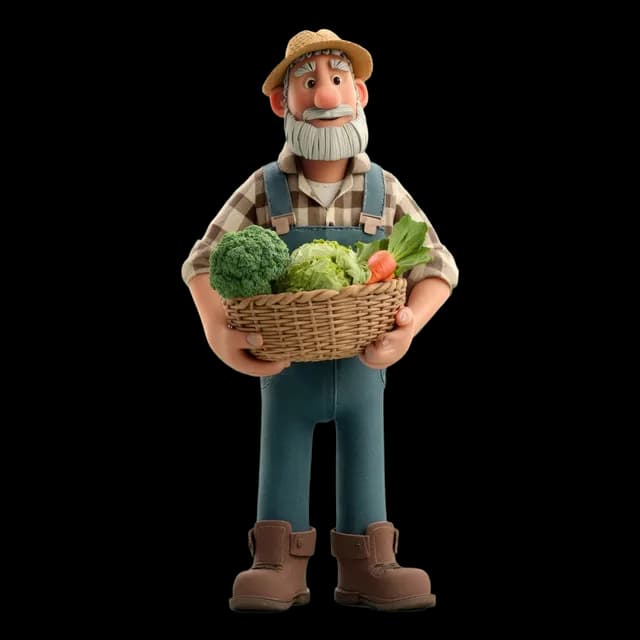
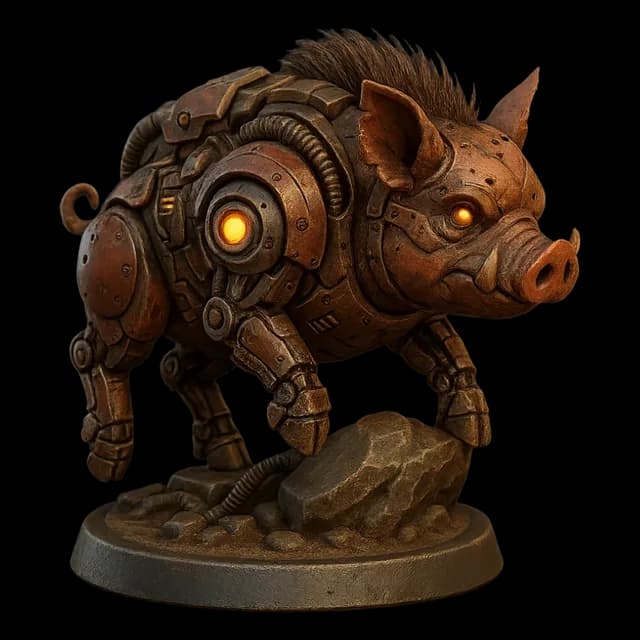
How it works
One image of a single subject, up to 20 MB. A cut out subject on a transparent background works; so does an ordinary photo.
The studio opens with the image loaded. With TRELLIS.2 you can leave Remove background on or turn it off.
Press Generate, then rotate the model in the viewer and switch to the shape view.
Download the STL, 3MF or OBJ at 80 mm on the longest side, or the GLB for use in other 3D apps.
Yes. Upload the PNG, generate, and export STL, 3MF, OBJ or GLB. Your first model is free, at Standard detail. After that a Standard model costs 40 credits.
Yes. A cut out subject is kept as a PNG when it is sent, and with TRELLIS.2 the Remove background option is on by default and can be turned off.
Yes. JPG, PNG and WebP up to 20 MB.
Not as a clean extrusion. The tool builds a model from what the picture looks like, so flat logos come out as an estimate of a solid shape. A vector tool suits that job better.
STL, 3MF and OBJ are exported at 80 mm on the longest side. Scale it in your slicer.
The credits go back to your balance automatically and you can try another image.
A 3D bust from one portrait photo.
The textured model, run on your image.
The main tool, for any object.
Credits and plans are on the pricing page. The main tool is on the home page.
Upload the PNG and the studio opens with it loaded. Your first model is free at Standard detail.
Open the studio