JPG, PNG or WebP in · STL, 3MF or OBJ out
Upload a JPG, PNG or WebP of one object. The AI builds the whole object, estimating the back from the front, closes it into one solid and hands you an STL sized to 80 mm. Your first model is free.
No photo handy? Open an example
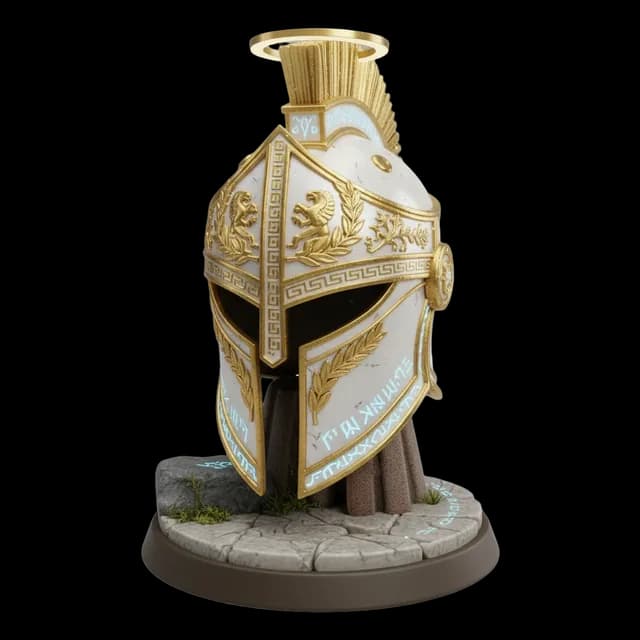
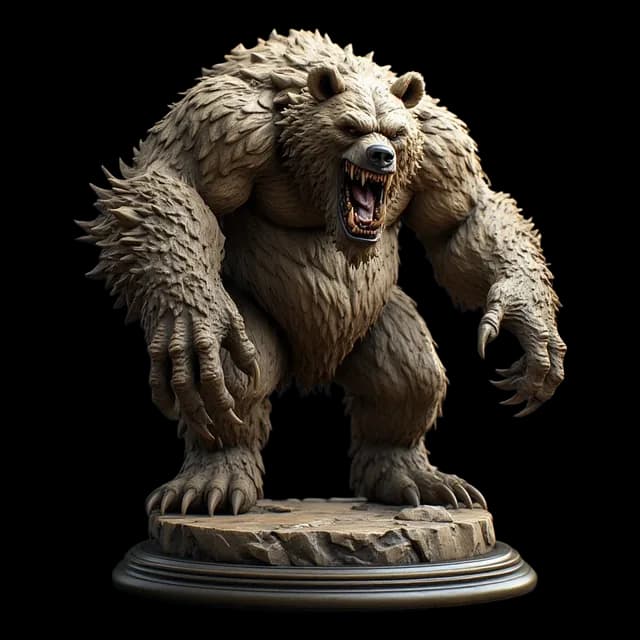
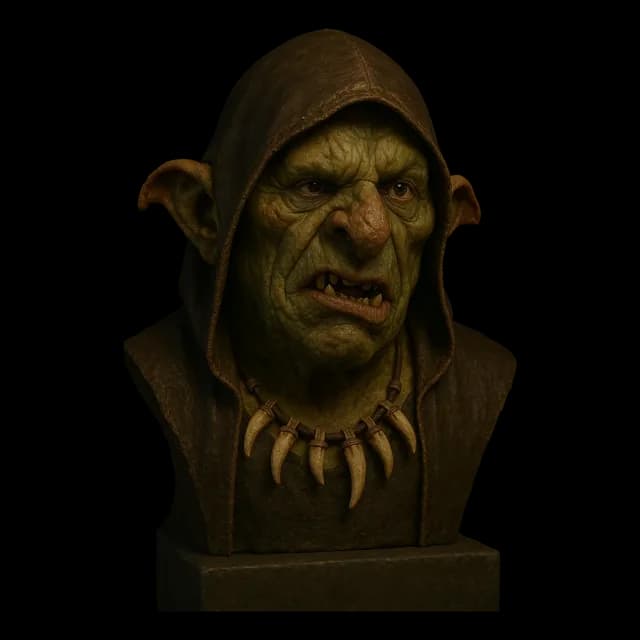
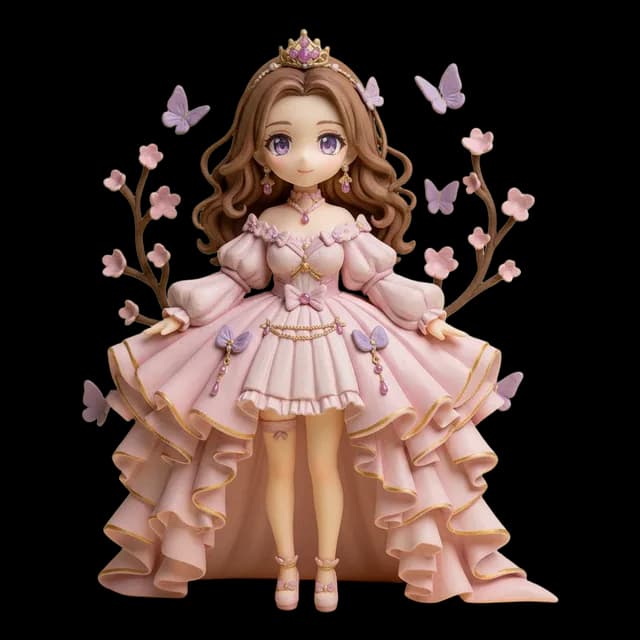
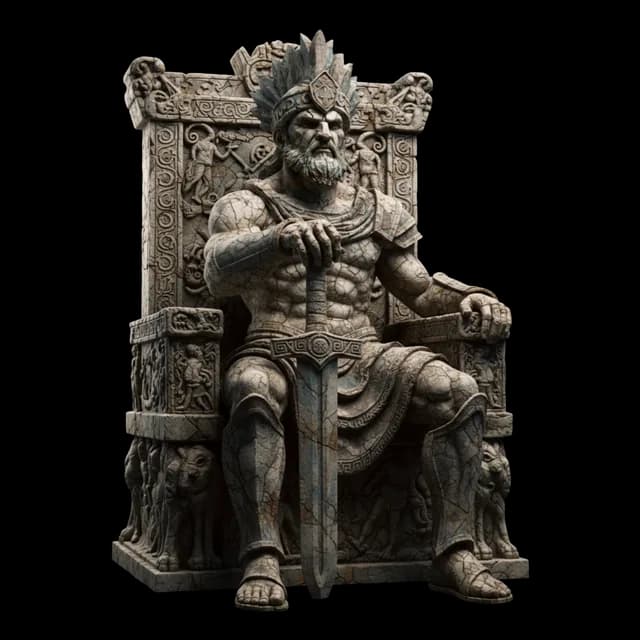
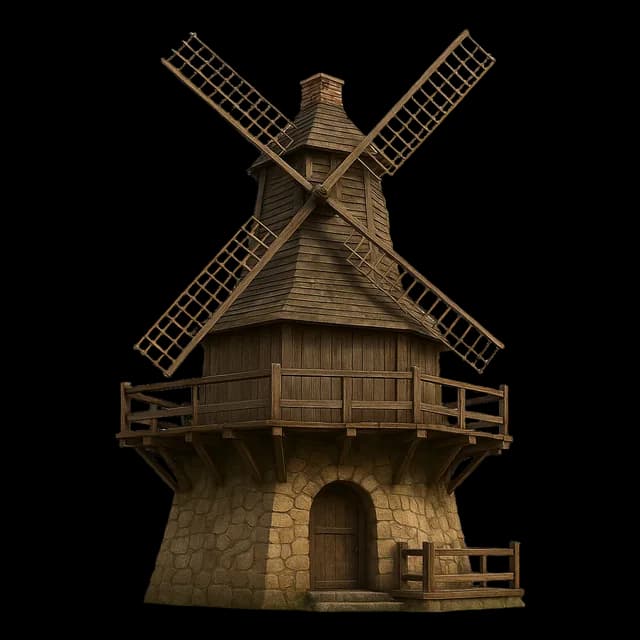
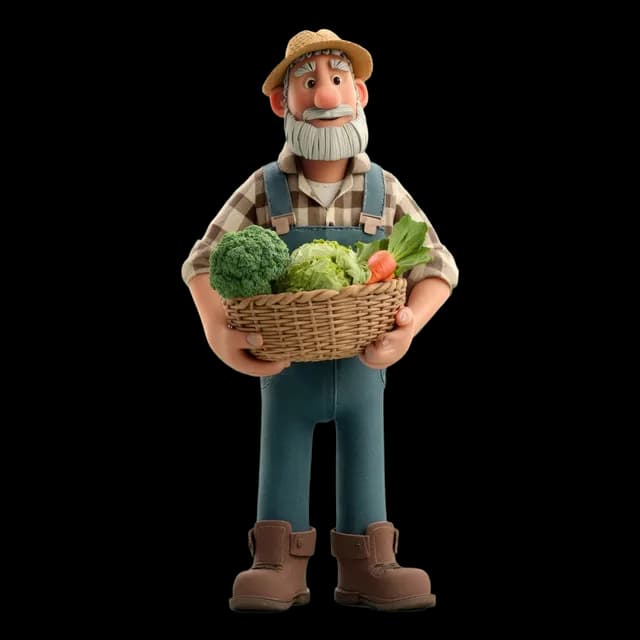
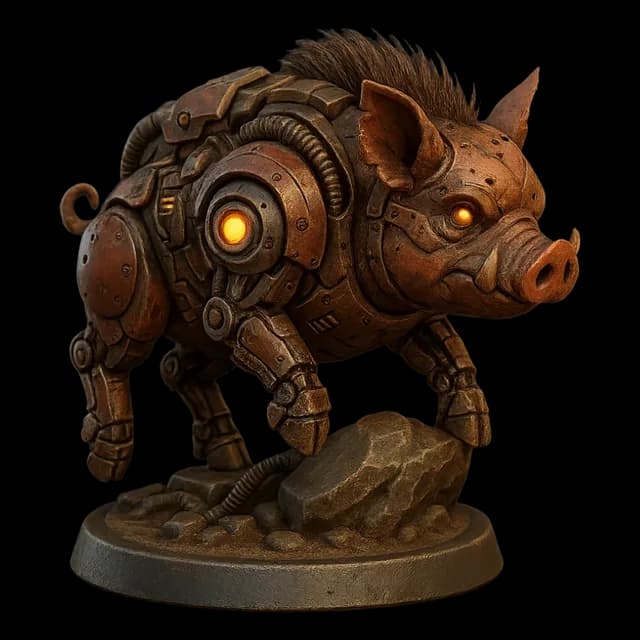
Largest image
20 MB
JPG, PNG or WebP with one object in it.
Longest side
80 mm
Scale the STL to the size you want in your slicer.
Every download
1 solid
Holes closed and loose bits removed first.
First model
Free
At Standard detail. No card needed.
How it works
JPG, PNG or WebP up to 20 MB, showing one object.
TRELLIS.2 at Draft (20 credits), Standard (40) or High (80), or Tripo H3.1 (72). Your first Standard model is free.
Rotate the model and switch to Shape to see the solid without colour.
Open Export and pick STL, or 3MF or OBJ if your slicer prefers them.
Two kinds of converter
Search for an image to STL converter and you find two different tools. They turn the same picture into very different files.
| Relief converter | This converter | |
|---|---|---|
| How it works | Turns brightness into height | An AI model builds the object in 3D |
| What you get | A flat plate with a raised picture | A whole object you can turn around |
| Back side | Flat | Estimated from the front |
| Good for | Lithophanes, signs, cookie cutters | Figures, busts, pets, props, vases |
We only make the second kind. For a lithophane or a flat sign, a relief converter is the right tool.
File types
The file type barely matters. JPG, PNG and WebP all go through the same AI model, up to 20 MB. What changes the result is what is in the picture: one object, whole, in focus and lit evenly.
A PNG with the background already cut out works well, because the AI sees only the object. Phone photos are fine too. The picture tips on the AI STL generator page show which subjects print well and which ones need supports everywhere.
Behind the button
First the AI model turns the picture into a 3D model with colour. You pick TRELLIS.2 at Draft, Standard or High detail, or Tripo H3.1. It takes about half a minute to a few minutes.
When you export, the studio closes the holes, removes loose bits and sizes the model to 80 mm on its longest side. STL, 3MF and OBJ hold the shape. GLB keeps the colour. Exporting the same model again costs no credits.
Your picture
Every page below opens the same studio. Each one explains a single kind of picture in more depth.
A bust from a photo of a face.
A transparent background goes straight in.
Sketches, line art and concept art.
Describe it in words and make the picture first.
Small figures scaled for resin or FDM.
Upload the image, generate the model, then pick STL in the Export menu. The file arrives as one closed solid.
Yes. PNG, JPG and WebP all work, up to 20 MB. The result depends on the picture, not on the file type.
Your first model is free at Standard detail, with no card. After that each model costs credits from a plan or a credit pack.
Yes. TRELLIS.2 or Tripo H3.1 builds the 3D model from your picture, so you get a full object rather than a height map.
No. A lithophane is a flat relief made from brightness. This converter builds a full 3D object instead.
The back is estimated from the front. If a detail on the back matters, choose a picture that shows it.
80 mm on the longest side. Scale it in your slicer to any size you want.
Run it again or try another picture. A generation that fails returns its credits automatically.
Which objects print well, and slicer settings.
Check size, volume and open edges in your browser.
A smaller file for Bambu Studio and PrusaSlicer.
The textured model and what it costs.
Credits and plans are on the pricing page. The main tool is on the home page.
Upload an image and the studio opens with it loaded. Your first model is free at Standard detail.
Convert an image